Android Morse learning app
Morse Audio Trainer
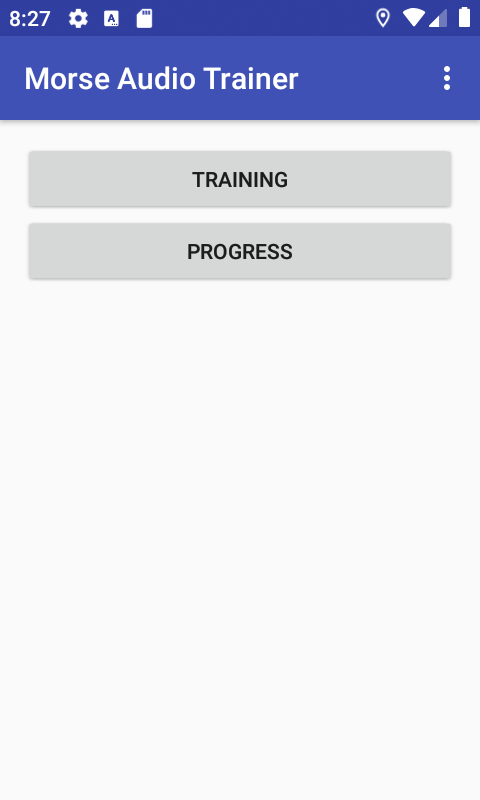
Learn Morse by hearing a character, entering its dots and dashes, and getting immediate sound feedback.
- Audio-guided practice
- Latin and Cyrillic
- Progress stored on your device
Active recall, not passive reading
How training works
-
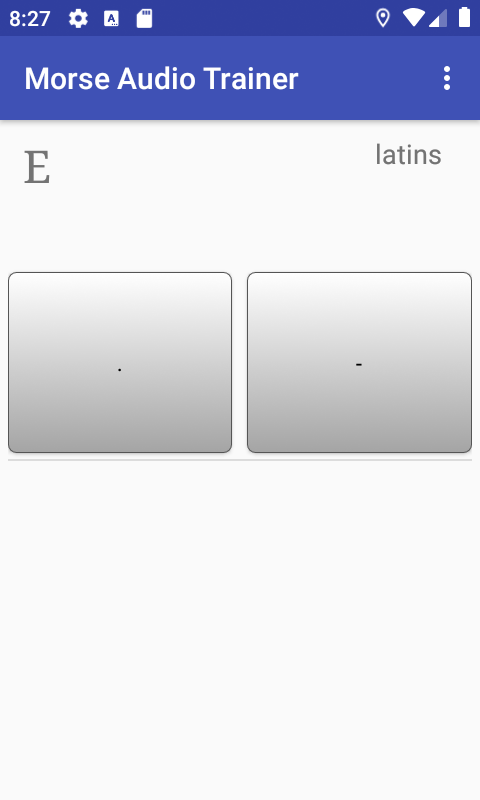
See and hear a character
The app presents a character and plays its spoken audio.
-
Enter dots and dashes
Build the Morse sequence using the input mode that fits your practice.
-
Get immediate feedback
Correct answers move forward. Mistakes reveal the code and replay its rhythm.
Choose your practice set
More than A to Z
Enable the groups you want to learn. The app works with a focused set of characters and uses your saved attempt history to guide later practice.
- Latin lettersA–Z practice with audio and mnemonics.
- Cyrillic lettersRussian Morse characters and memory phrases.
- NumbersTrain all ten numeric Morse sequences.
- PunctuationPractice common signs beyond letters and digits.
Practice your way
Three ways to enter Morse
- Dot and dash buttons Use separate on-screen controls for direct input.
- One-button mode A short press enters a dot; a longer press enters a dash.
- Volume buttons Optional hardware-button input supports practice with less screen attention.
Listen, answer, remember
Audio feedback reinforces the rhythm
Hear each prompt
Spoken character audio starts each exercise.
Hear what went wrong
Errors trigger feedback, reveal the expected code, and replay the Morse sequence.
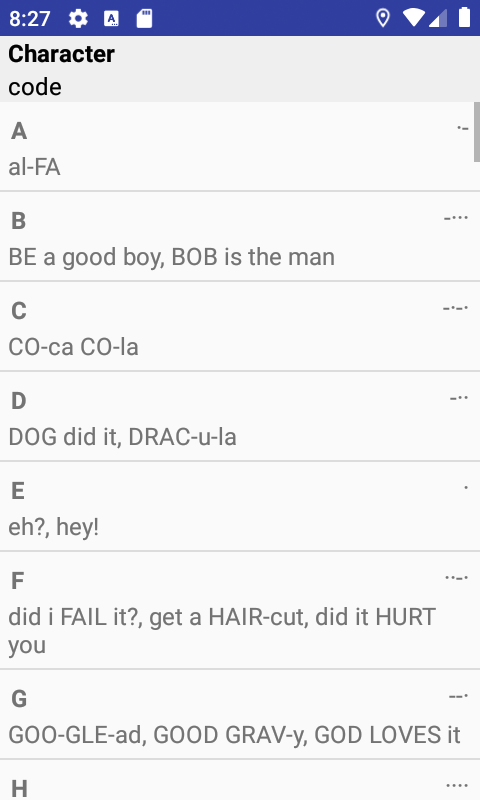
Use mnemonic phrases
Rhythmic phrases provide an additional way to remember dot-and-dash patterns.
Progress stays with you
Focused practice with a built-in reference
Attempts and learned status are stored locally on your device. Training prioritizes a small group of characters, while the progress screen remains a quick reference for the full set.
- Interface languages
- System default, English, Russian, and Spanish.
- Morse alphabets
- Latin and Cyrillic, configured independently from the interface language.
- Account
- No account is required for training or local progress.
Start practicing Morse
Install the Android app for guided training, or try one-button Morse input in your browser.